
Run your law firm with AI built into every matter
Draft documents, manage matters, bill clients, and communicate securely — from one platform. Use your own AI keys or ours. No stitching together five separate tools.
No credit card required · BYOK supported · 14-day free trial
Connects with the tools your firm already uses
301
Legal AI Templates
70+
Languages Supported
6
AI Providers (BYOK)
15+
Practice Areas
24/7
AI Availability

Law Firms Are Losing Hours to
Fragmented Work
FRITH brings the entire workflow together.
70% of Time on Non-Billable Work
Lawyers spend the majority of their day on drafting, research, and admin — not on the strategic work clients are paying for.
Five Tools to Complete One Matter
Case management in one app, billing in another, AI in a chat window, documents in a drive. Every context switch costs time and focus.
Generic AI Without Legal Context
General-purpose AI hallucinates citations and misses jurisdictional nuance. Legal work needs AI connected to matter context.

One platform from intake to invoice
FRITH replaces the scattered stack with a single workspace where AI, matters, billing, documents, and client communication are connected.
Draft from matter context — not a blank chat window
Use your own OpenAI, Anthropic, Google, or local model keys
Keep matter notes, documents, billing, and client messages in one workspace
Track work from intake to invoice without switching tools
Six Modules, One Legal Workspace
AI drafting, matters, billing, communications, calendar, and analytics — connected so your firm runs without tool-switching.
Conversational AI that understands law. Research case law, draft documents, analyze contracts, and run 301 purpose-built templates — powered by your choice of AI provider.
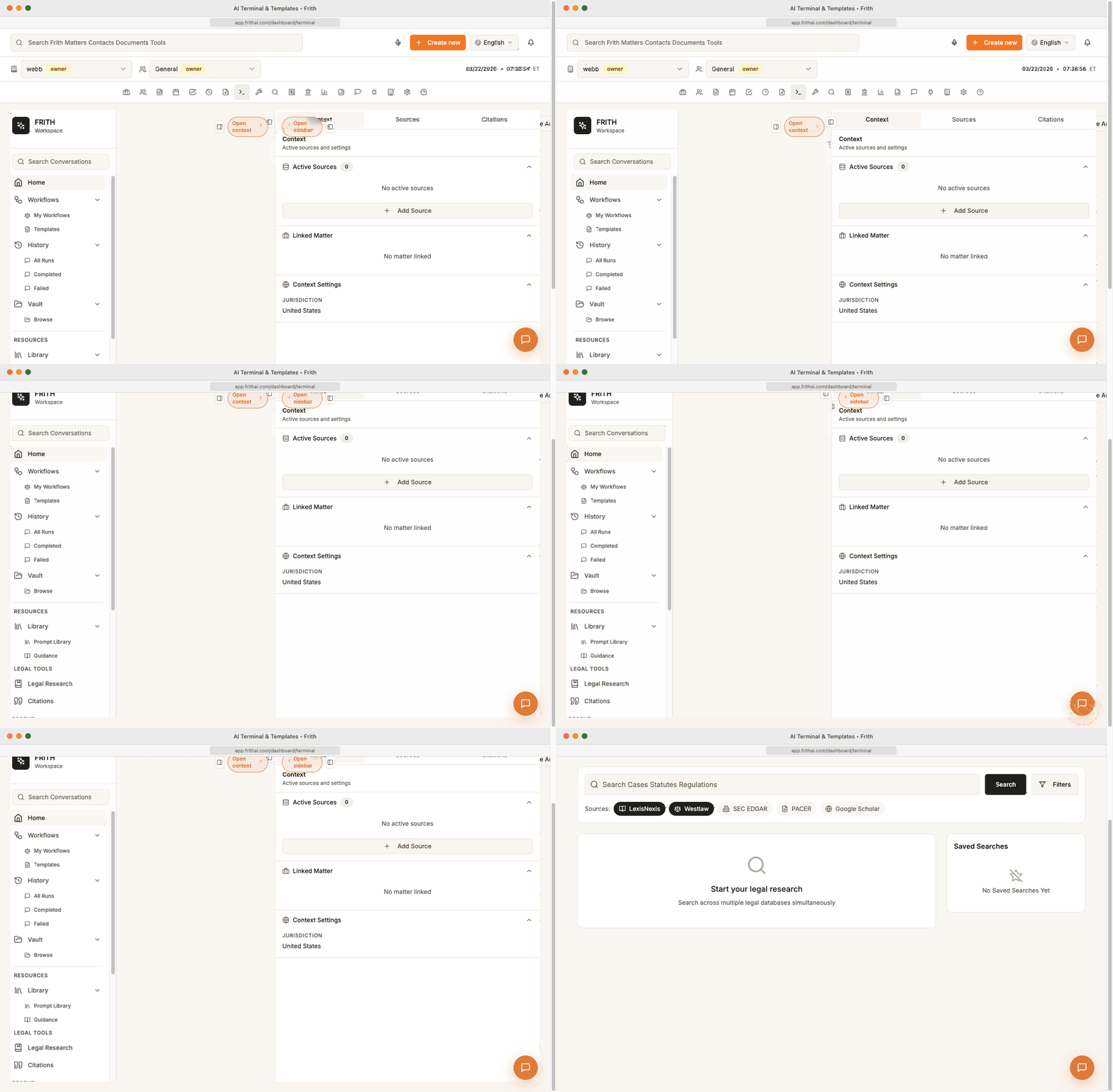
AI Terminal — research, draft, and cite in one workspace
Generate first drafts with source-backed research, connected to your matter context. Use 301 purpose-built templates or start from a blank conversation.
Research, draft, and cite sources without leaving the conversation
Attach matter documents and vault sources directly to the AI context
Run prompt workflows built for legal use cases — motions, contracts, research memos
Switch AI providers per task: use Claude for drafting, GPT for research, local models for privacy

Use your own AI keys. Keep control.
FRITH supports both built-in AI and BYOK workflows, so firms can choose the models, vendors, privacy posture, and cost structure that fit their practice. Use built-in AI for a fast start, or connect your own keys for full control.
How your data flows with BYOK
Your Keys, Your Control
Connect your own API keys from OpenAI, Anthropic, Google, Mistral, Groq, or Ollama. Pay provider rates directly with no FRITH markup.
Firm-Controlled Data Routing
When you use BYOK, AI requests route directly to your chosen provider. Your configuration determines storage and retention behavior.
Switch Providers Instantly
Use different models for different tasks. Switch from Claude to GPT to Gemini mid-session without any configuration changes.
Local & Air-Gapped Options
Run Ollama for fully local, air-gapped AI processing. No data leaves your infrastructure.
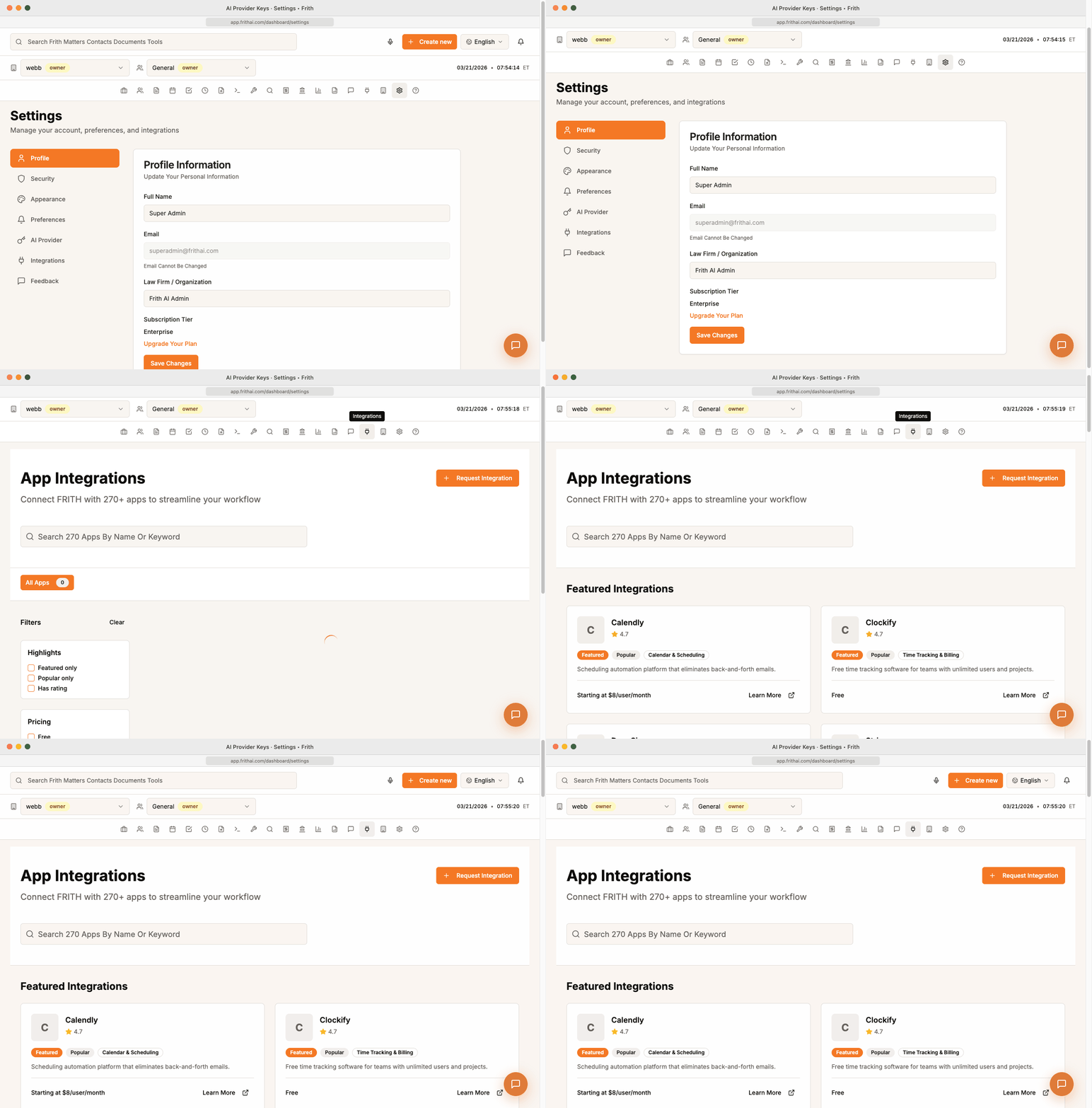
301 Templates Across Every Practice Area
Purpose-built AI templates for the work your firm does every day — from contract analysis to motion drafting.
Litigation
Corporate & Commercial
Immigration
Family Law
Real Estate
IP & Trademarks
See How Firms Use FRITH
Example workflows showing how FRITH connects AI, matters, billing, and client communication in practice.
Draft an NDA from intake notes
A new client needs a mutual NDA before sharing proprietary information for a licensing deal.
Client submits intake form through the secure portal
FRITH creates a matter and attaches the intake notes
AI drafts a mutual NDA using firm-standard templates
Attorney reviews, edits, and sends via the client portal
First draft ready in under 5 minutes instead of 45
Research case law for a motion to dismiss
Opposing counsel filed a complaint with weak standing. The litigation team needs supporting authority fast.
Attorney opens the AI Terminal linked to the matter
Queries jurisdictional precedents for lack of standing
AI returns cited authorities with source links
Attorney drafts the motion using the research output
Research and first draft completed in one session
Review a 40-page commercial lease
A real estate client needs a lease review before signing a 10-year retail space agreement.
Upload the lease to the matter vault
Run the lease analysis AI template
AI flags unfavorable clauses, missing protections, and renewal risks
Attorney generates a redline summary for the client
Key risks identified in minutes, not hours
From intake to invoice in one flow
A family law client retains the firm for a custody modification. Time needs to be tracked from day one.
Client intake creates matter, contacts, and billing profile
Attorney logs time against the matter as work is done
FRITH generates an itemized invoice linked to matter entries
Client pays through the secure payment link
Billing stays connected to matter context automatically
Secure client update with portal message
An immigration client needs a status update on their pending green card application.
Attorney opens the matter and reviews the timeline
Sends a secure portal message with the latest USCIS update
Client receives notification and reads it in the client app
Conversation is logged to the matter automatically
Client stays informed without unsecured email threads
BYOK setup for a privacy-conscious firm
A mid-sized firm handling sensitive M&A work needs to control where AI data flows.
Admin connects the firm's own OpenAI API key in settings
Sets Anthropic as the fallback provider
AI requests route directly to the firm's chosen provider
Firm's configuration determines data storage and retention
Full AI capability with firm-controlled data routing
Get Started in 3 Minutes
From sign-up to your first AI-assisted draft — no credit card required.

Sign Up in 60 Seconds
Create your account with email or SSO. No credit card required. Your 14-day free trial starts immediately.

Connect Your AI Keys (Optional)
Bring your own API keys from OpenAI, Anthropic, Google, or others — or use our built-in AI. Pay provider rates directly.

Draft, Manage, and Bill from One Workspace
Create your first AI-assisted draft, attach it to a matter, log time, and send the client a secure update — all in one session.
See FRITH in Action
Real attorneys transforming their practice with AI-powered workflows.
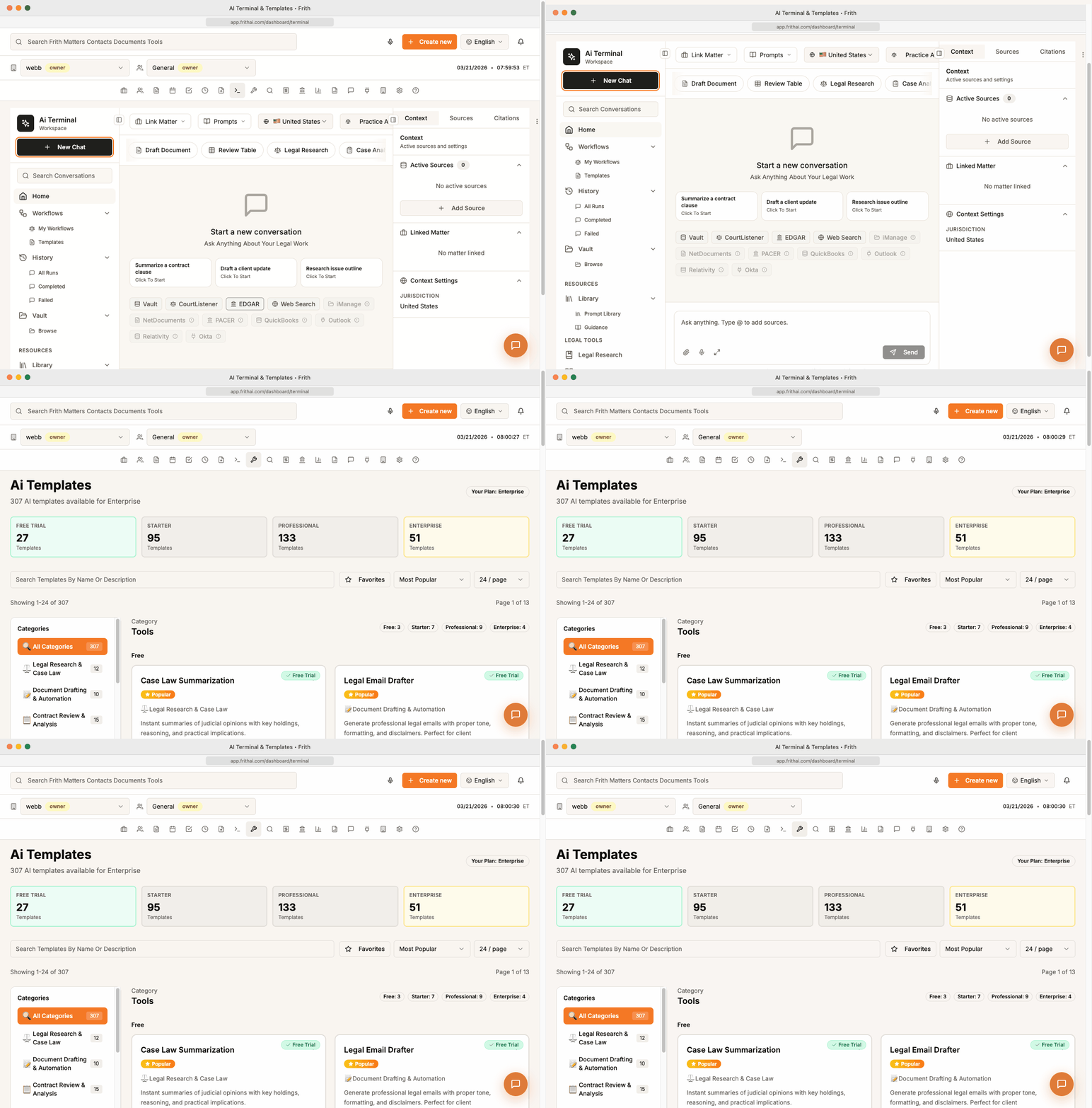
How a Solo Attorney Saves 20+ Hours per Week
Walk through a daily workflow using AI Terminal, matter management, and automated billing.
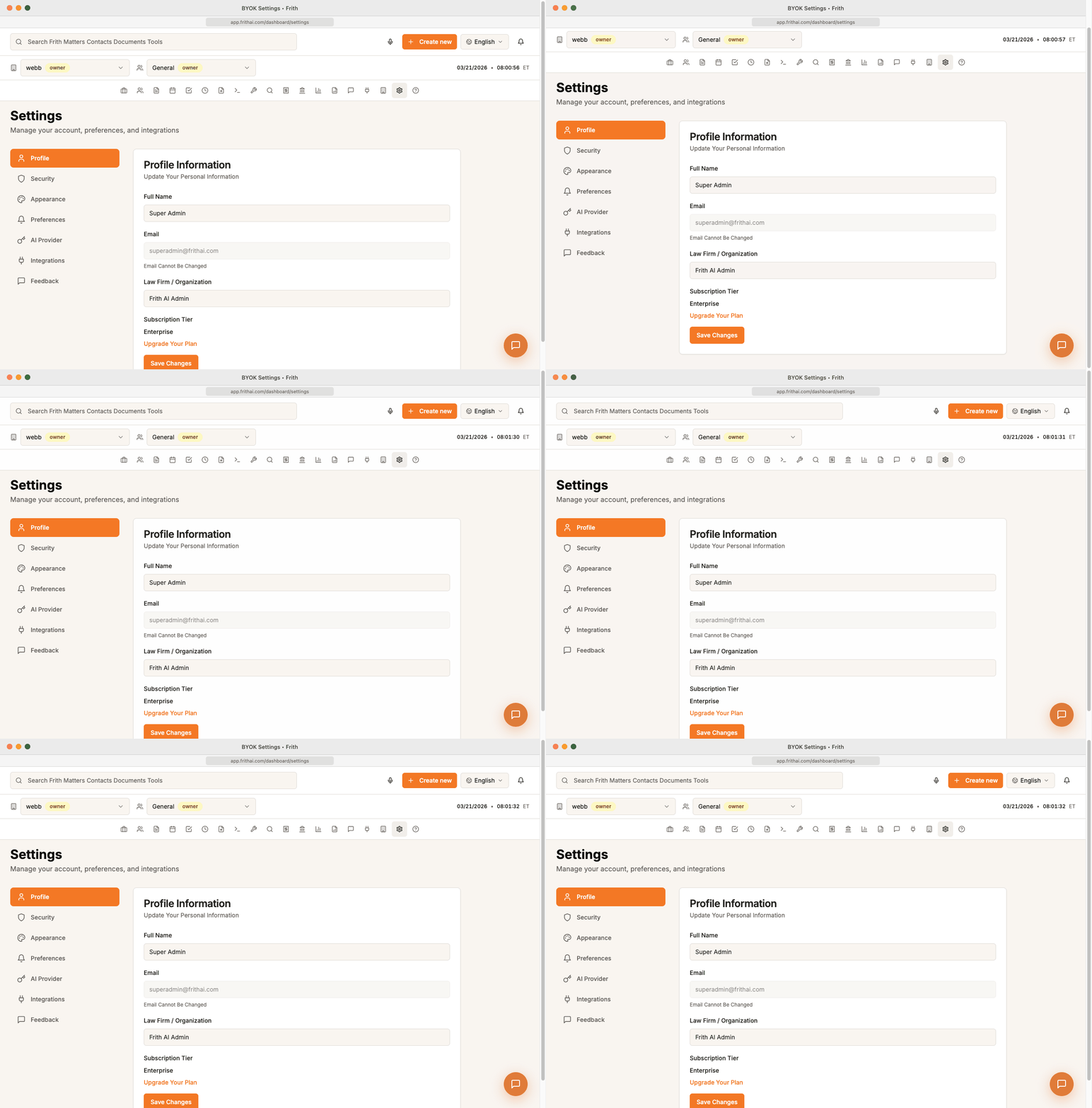
BYOK in Action: Enterprise Security
See how firms connect their own API keys and maintain complete data sovereignty.
301 Templates Deep Dive: Contract Analysis
FRITH analyzes a 40-page commercial lease agreement in under 2 minutes.
Security Designed for Legal Practice
Every feature in FRITH is designed with legal-grade data protection. Your client data stays under your control.
Encryption at Rest & In Transit
256-bit AES encryption for stored data, TLS 1.3 for all connections.
BYOK Data Control
When you use your own keys, AI requests route directly to your provider.
Role-Based Access Controls
Granular permissions per user, role, and matter.
Audit Logs
Complete activity history for compliance and oversight.
Matter-Level Permissions
Control who can view, edit, or manage each matter independently.
Data Export
Export all your data at any time in standard formats. No lock-in.
No AI Training on Client Data
Your data is never used to train AI models.
SOC 2-Aligned Controls
Security controls aligned with SOC 2 Type II and GDPR frameworks.
Start free. Upgrade when your firm grows.
Every plan includes AI Terminal, matter management, and BYOK support. No hidden fees.
Free
Try the full platform
Starter
For solo practitioners
Professional
For growing firms
Enterprise
For multi-office firms
Questions? We Have Answers.
Everything you need to know about FRITH and how it works.
Start with one matter.
See the difference in one day.
Create your workspace, connect your AI provider, and generate your first legal draft in minutes. No credit card required.
No credit card · Cancel anytime · BYOK supported · Set up in minutes